
Download Inkdown – Markdown editor, WYSIWYG, writing tool, document formatting, e-book creation, real-time conversion, local cache, publishing tool, content creation, note-taking
Overview
Inkdown is a mobile application designed for writers, content creators, and individuals seeking a streamlined approach to document creation and editing. Built specifically for the Android platform, it functions as a powerful Markdown editor that combines the flexibility of code-based formatting with a user-friendly WYSIWYG (What You See Is What You Get) interface. This hybrid approach allows users to write efficiently while simultaneously visualizing the final output, reducing the need for constant preview toggling. The app is particularly well-suited for those preparing content for online publication, drafting notes, or assembling small e-books, offering a clean and focused environment for creative work.
By integrating real-time conversion between Markdown and its native format, Inkdown supports a fluid workflow where edits are instantly reflected in the visual layout. This is especially beneficial for users who value precision in formatting without the complexity of learning extensive Markdown syntax. The app’s design philosophy centers on minimizing friction in the writing process, enabling uninterrupted productivity through performance optimizations and a responsive interface. Its ability to publish documents or entire folders with a single tap further enhances its utility for collaborative or public-facing projects.
Although the developer did not provide additional technical details about their background, the app’s focused feature set suggests a targeted development effort aimed at improving the digital writing experience. Inkdown fills a niche in the productivity ecosystem by offering a lightweight yet capable tool that balances simplicity with powerful functionality. Its release in August 2024 positions it as a modern solution for users who prioritize efficiency, clarity, and ease of sharing in their content creation process.
Key Features & Functionality
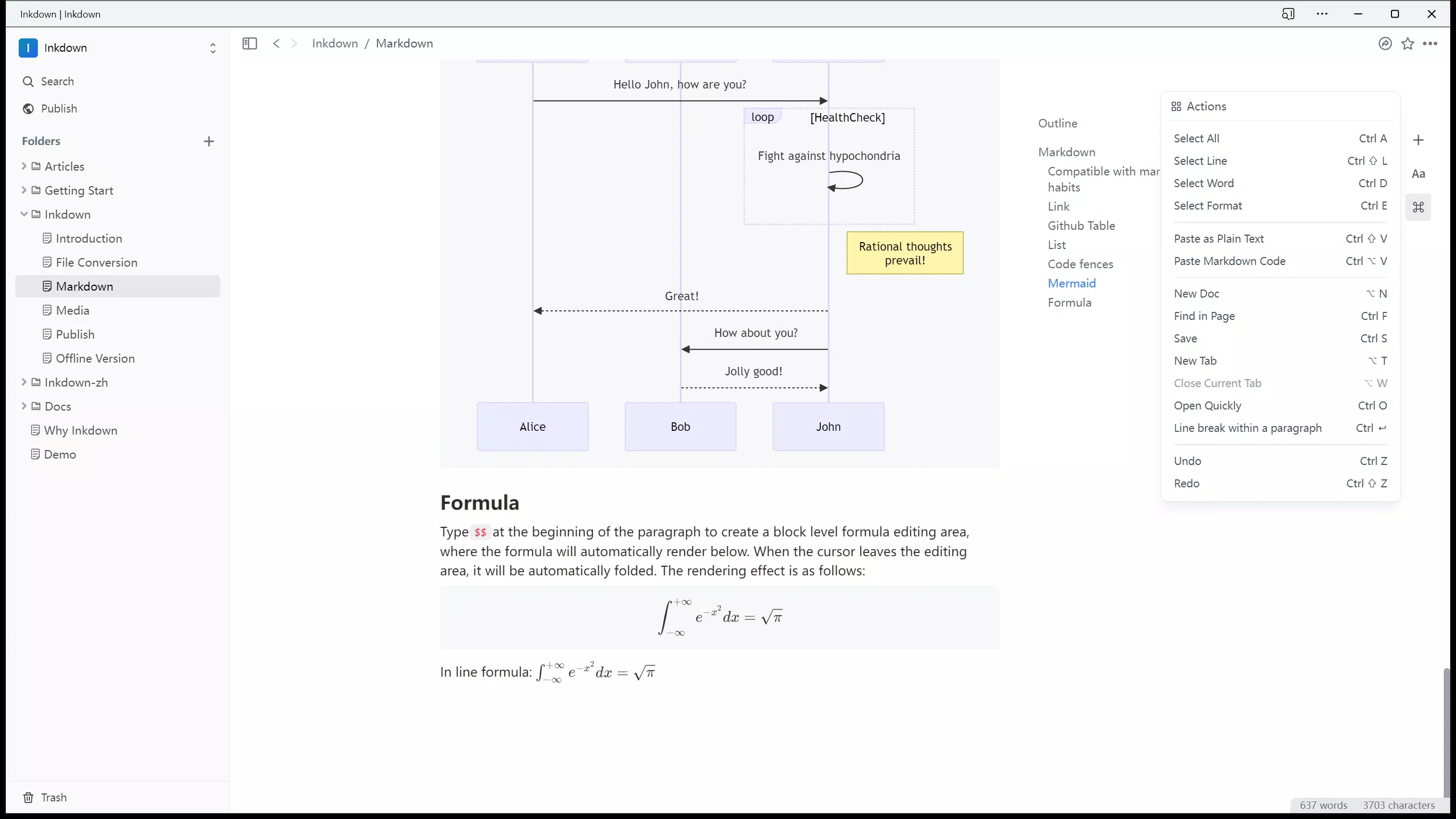
- WYSIWYG Editing: Inkdown presents documents in a visually accurate format that mirrors the final published version. This eliminates the need to switch between edit and preview modes, helping writers maintain focus and structure.
- Real-Time Conversion: The app supports seamless, instantaneous conversion between native Markdown files and Inkdown’s internal format. This ensures that edits are preserved and updated in real time, reducing the risk of data loss during revisions.
- Optimized Editing Experience: Utilizing a local cache strategy and internal performance enhancements, Inkdown ensures smooth, responsive editing even with longer documents. This minimizes lag and supports extended writing sessions without interruption.
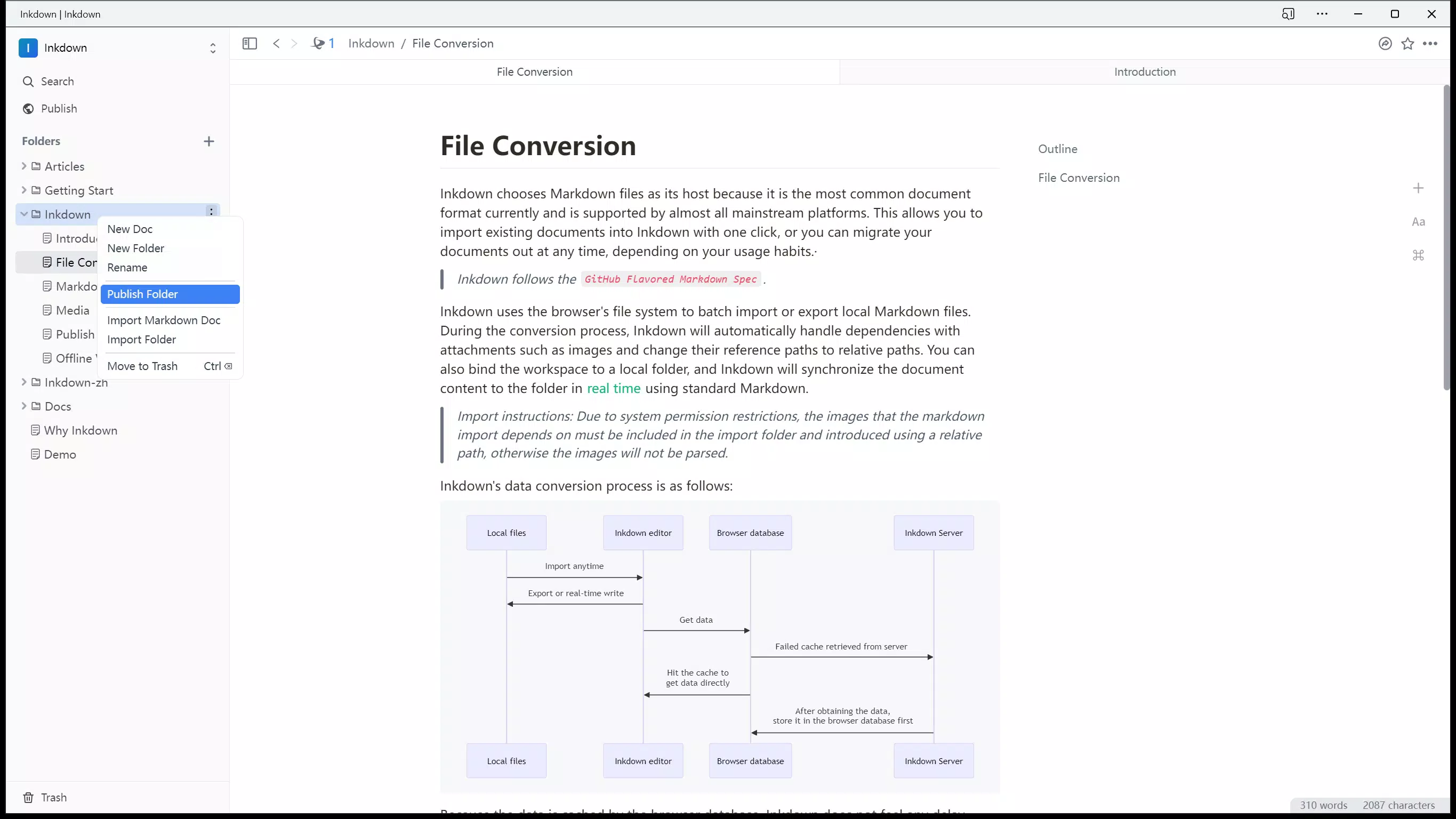
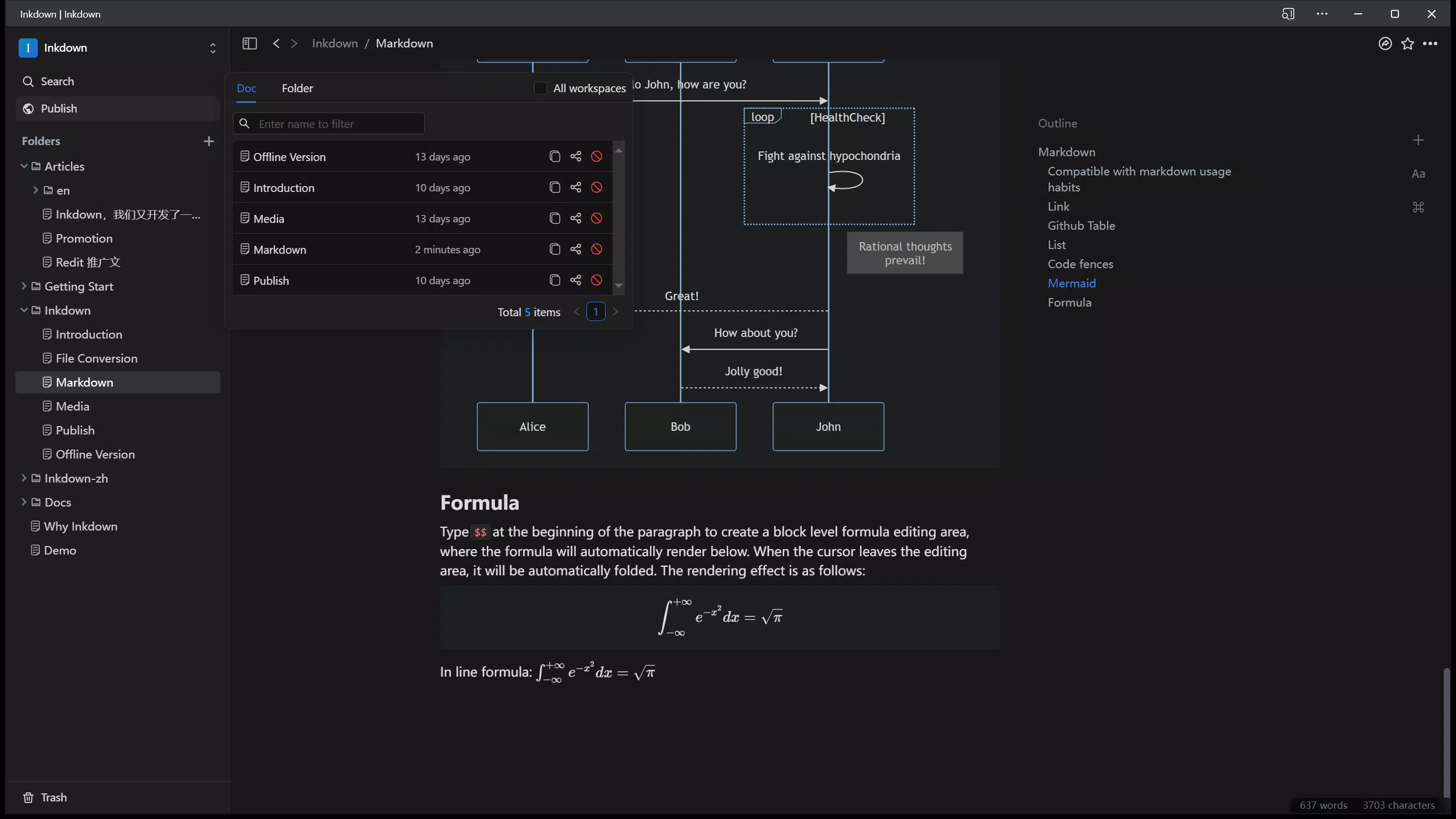
- Easy Sharing and Publishing: Users can publish individual documents or entire folders directly to the internet with a single tap. This feature simplifies distribution, making it ideal for bloggers, educators, or independent authors sharing content publicly.
- Local File Management: Documents are saved locally on the device, allowing users to maintain full control over their content without relying on cloud storage or third-party services.
For example, a student writing a research summary can use the WYSIWYG interface to structure their document with clear headings and lists, while the real-time conversion ensures formatting remains consistent. A freelance writer preparing a short e-book can organize chapters into folders, edit them efficiently, and publish the entire collection with minimal effort. The local cache system ensures that even on slower devices, the app remains usable and responsive during long editing sessions.
Interface, UX & Performance
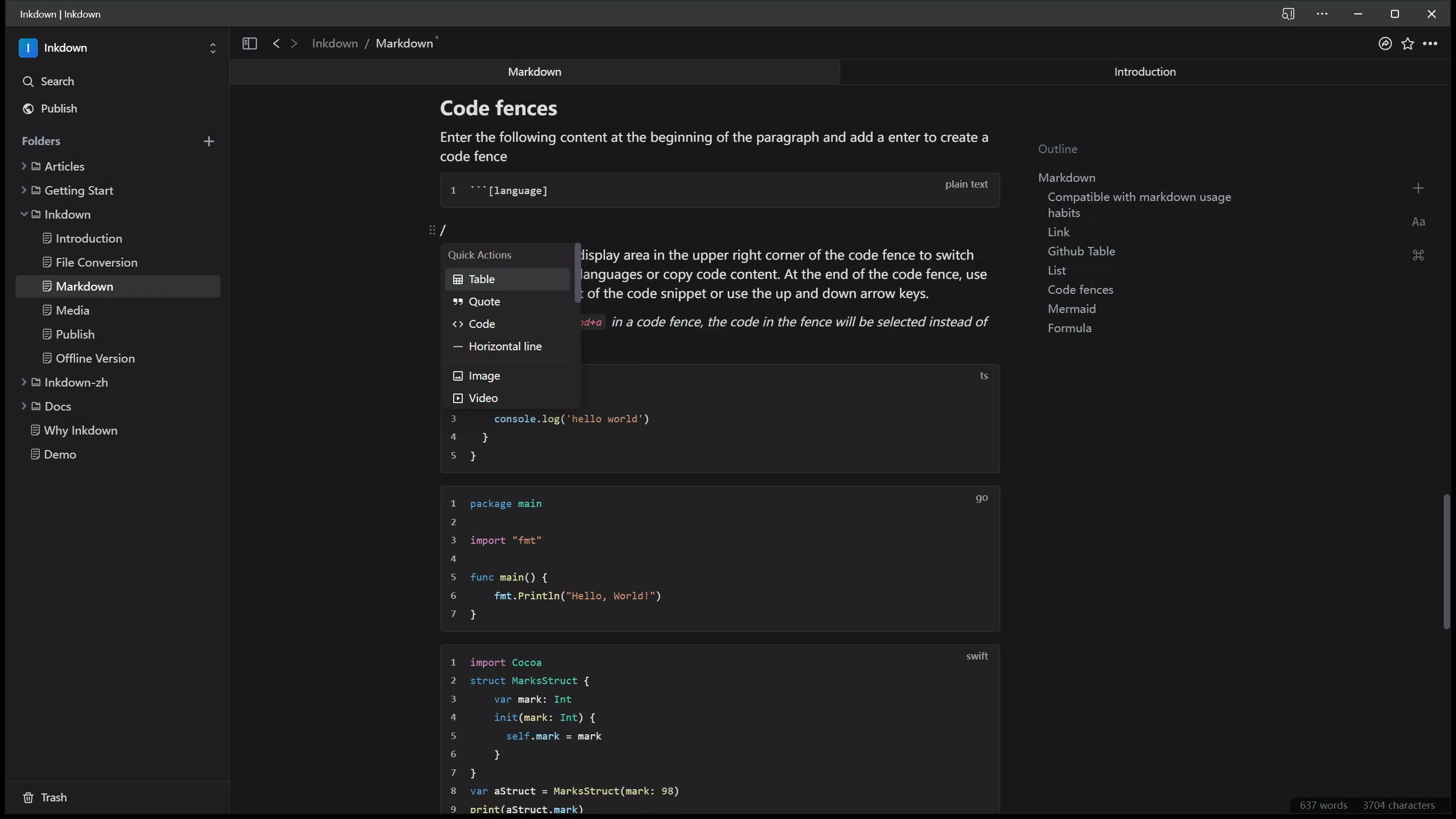
The interface of Inkdown is clean and minimal, prioritizing readability and ease of navigation. The layout emphasizes the text area, with intuitive controls positioned for quick access. The visual style is modern and distraction-free, supporting a focused writing environment. Navigation is straightforward, with a clear hierarchy for opening, saving, and publishing documents.
Although the developer did not list formal performance metrics, the app’s design suggests a strong emphasis on responsiveness. The use of a local cache strategy implies that the app is engineered to maintain performance across different device categories, including mid-range and older Android devices. Users can expect smooth scrolling, fast rendering, and minimal lag during editing, even with larger documents.
Stability appears to be a key focus, given the app’s optimization for uninterrupted writing. The real-time conversion and local file handling mechanisms are likely designed to prevent crashes or data corruption during active use. While no official testing data was provided, the app’s architecture supports a reliable experience under typical usage conditions. Overall, the UX is tailored for users who value speed, clarity, and a seamless writing flow.
Platform Compatibility & Technical Requirements
Inkdown is available exclusively on the Android platform. The current version is 1.5.2, with a file size of 24.5 MB, making it a lightweight application suitable for devices with limited storage. The developer did not specify minimum OS requirements or compatibility details beyond the platform, so users should ensure their device meets standard Android system standards for app installation.
Given the app’s size and focus on local file handling, it is likely optimized for a broad range of Android devices, including those with lower processing power. However, specific hardware or software requirements were not disclosed. Users should verify compatibility through their device’s app store or official developer page. The app is free to download and install, offering full access to its core features without in-app purchases or subscriptions.
Pros and Cons
Pros
- Intuitive WYSIWYG interface for real-time visual feedback
- Seamless real-time conversion between Markdown and native formats
- Optimized performance with local cache for smooth editing
- One-tap publishing for documents and folders
- Lightweight size (24.5 MB) with no in-app purchases
- Local file storage ensures data privacy and control
Cons
- Platform availability limited to Android only
- Specific OS version requirements were not listed
- Developer did not provide information on cloud sync or backup options
- No mention of accessibility features for visually impaired users
- Compatibility with older Android versions was not confirmed
FAQ
Is Inkdown safe to download and install?
Yes, Inkdown is a free mobile app available on the Android platform. It does not require any suspicious permissions and operates locally on the device, ensuring user data remains secure.
Can I use Inkdown offline?
Yes, the app supports offline use. All documents are stored locally, and editing, saving, and publishing functions work without an internet connection.
Does Inkdown support cloud synchronization?
The developer did not provide information about cloud sync or backup features. All file management is handled locally on the device.
Is there a version for iOS devices?
Currently, Inkdown is only available for Android. There is no official iOS version released as of the latest update.
How often is Inkdown updated?
The app was last updated on August 16, 2024. The developer has not disclosed a regular update schedule, but future updates may include new features or performance improvements.
Final Thoughts
Inkdown stands out as a refined and efficient tool for anyone involved in digital content creation. Its blend of WYSIWYG editing, real-time conversion, and one-click publishing offers a compelling solution for writers, students, and independent authors who value both precision and speed. The app’s lightweight design and local-first approach enhance privacy and reliability, making it a trustworthy choice for sensitive or personal projects.
While it is currently limited to Android users and lacks certain advanced features like cloud sync, its core functionality is well-executed and focused. For those seeking a free, secure, and powerful Markdown editor with a polished interface, Inkdown delivers exceptional value. Whether you're drafting a blog post, organizing notes, or preparing a small e-book, this app streamlines the entire process with minimal friction.
Download Inkdown now to experience a smarter, faster way to write and publish on your smartphone.


